Best Truckers GPS App with Weigh Stations
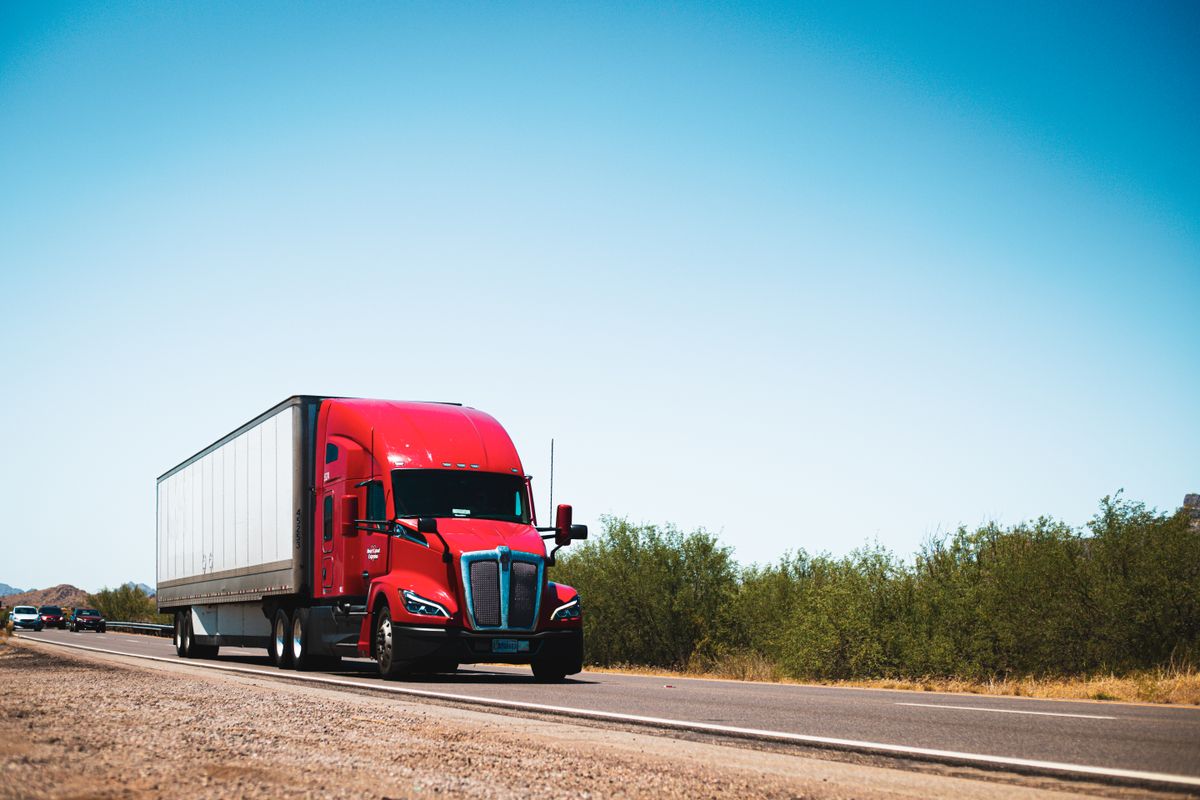
Compare top trucker GPS apps with weigh station features in 2026. Find the best fit for your rig and budget, with real prices and practical steps.
If you’re a truck driver, you know that missing a weigh station can cost you time, money, and a lot of hassle. The right GPS app can route you around them when you’re empty or light, and guide you straight to them when you need to scale. Here are the best trucker GPS apps with weigh station features in 2026, compared for accuracy, price, and real-world usability.
What to Look for in a Trucker GPS App
Before we dive into the list, here’s what separates a good trucker GPS from a car GPS:
- Truck-specific routing: Uses your truck’s height, weight, and length to avoid low bridges and restricted roads.
- Weigh station data: Real-time or frequently updated status (open/closed, scale delays) and the ability to route to or from them.
- Offline maps: Because you’ll lose signal in remote areas.
- Live traffic and weather: To avoid delays and dangerous conditions.
- User interface: Big buttons, voice prompts, and a screen that’s easy to read while driving.
The Top Trucker GPS Apps with Weigh Stations
Here are the five best options, from budget-friendly to premium.
1. SmartTruck Route (Best Overall)
SmartTruck Route is a dedicated truck GPS app that includes weigh station locations and status. It uses real-time data from the Department of Transportation and user reports to tell you if a station is open or closed, and whether there’s a delay. You can set your route to avoid weigh stations when you’re empty, or to include them when you need to scale.
- Price: $10-$15 per month, or $99-$149 per year.
- Key features: Truck-specific routing, offline maps, live traffic, and weigh station alerts.
- Pros: Accurate weigh station data, easy-to-use interface, good customer support.
- Cons: No free version, subscription required.
2. Trucker Path (Best Free Option)
Trucker Path is a popular app among drivers, and its free version includes basic weigh station locations. The paid version, Trucker Path PRO, adds real-time status and routing. The weigh station feature is community-driven: drivers report whether a station is open, closed, or has a long line. It’s not always 100% reliable, but it’s a good starting point.
- Price: Free with ads; PRO is $29.99 per year or $4.99 per month.
- Key features: Weigh station finder, truck stops, parking, fuel prices, and trip planning.
- Pros: Free tier, large user base, many useful tools.
- Cons: Weigh station status can be outdated, PRO required for routing.
3. Garmin Dezl (Best for Dedicated Devices)
If you prefer a dedicated GPS unit over a phone app, Garmin Dezl is the industry standard. The Dezl series includes built-in weigh station data and alerts, and it’s designed for trucks. It’s not a phone app, but it’s worth mentioning because many drivers use it alongside a phone app.
- Price: $300-$700 for the device, no subscription.
- Key features: Truck-specific routing, weigh station alerts, lane guidance, and traffic.
- Pros: Reliable, no data plan needed, large screen.
- Cons: Expensive upfront, maps need updates (often paid).
4. Sygic Truck GPS (Best for Offline Use)
Sygic Truck GPS is a navigation app that offers excellent offline maps, which is crucial if you drive in areas with poor cell coverage. It includes weigh station locations and allows you to set your route to avoid or include them. The app uses TomTom traffic data for live updates.
- Price: $25-$35 per year for the truck version.
- Key features: Offline maps, truck-specific routing, weigh station POIs, and live traffic.
- Pros: Great offline performance, affordable annual fee.
- Cons: Interface can be clunky, weigh station status not always real-time.
5. Hammer GPS (Best for Owner-Operators)
Hammer GPS is a newer app that’s gaining traction among owner-operators. It offers truck-specific routing and includes weigh station locations, but its standout feature is the integration with load boards and dispatch software. You can plan a route that includes weigh stations and then book a load in the same app.
- Price: Free basic version; premium is $19.99 per month or $199 per year.
- Key features: Truck routing, weigh station finder, load board integration, and fuel pricing.
- Pros: All-in-one solution, good for business-minded drivers.
- Cons: Weigh station data is not as detailed as SmartTruck Route.
Comparison Table
| App | Price | Weigh Station Data | Offline Maps | Best For |
|---|---|---|---|---|
| SmartTruck Route | $10-$15/mo or $99-$149/yr | Real-time, DOT + user reports | Yes | Overall best |
| Trucker Path | Free; PRO $29.99/yr | Community-reported | No (PRO has some) | Budget-conscious |
| Garmin Dezl | $300-$700 one-time | Built-in, updated | Yes | Dedicated device lovers |
| Sygic Truck GPS | $25-$35/yr | Static + some live | Yes | Offline reliability |
| Hammer GPS | Free; premium $19.99/mo | Basic | Yes | Owner-operators |
How to Choose the Right App for You
Here’s a simple process to pick the best one for your needs:
- Identify your budget: If you want to spend nothing, start with Trucker Path free. If you can invest $10-$15 a month, SmartTruck Route is worth it.
- Consider your routes: If you often drive in remote areas, prioritize offline maps (Sygic or Garmin).
- Think about your business: If you’re an owner-operator, Hammer GPS’s load board integration might save you time.
- Test before committing: Most apps offer a free trial or a free version. Download two or three and test them on your next trip.
Practical Steps to Get Started This Week
- Download and test: Pick two apps from the list and download them. Use them on your next run to see which interface you prefer.
- Check weigh station settings: In each app, go to settings and look for weigh station options. Set your preferences: avoid when empty, include when loaded.
- Update your truck profile: Enter your exact height, weight, and length to ensure accurate routing.
- Learn the alerts: Familiarize yourself with how the app alerts you to weigh stations. Some use voice prompts, others visual.
FAQ
Q: Do trucker GPS apps really know if a weigh station is open? A: Some do, like SmartTruck Route, which uses DOT data and user reports. Others rely on community reports, which can be outdated. Always double-check with CB radio or other drivers if you’re unsure.
Q: Can I use a regular car GPS app like Google Maps? A: No. Car GPS apps don’t account for truck restrictions, and they won’t route you to weigh stations. Using them can lead to fines or dangerous situations.
Q: Are these apps worth the money? A: If you drive regularly, yes. Avoiding a single weigh station violation can cost $100-$500 in fines, not to mention lost time. A $10/month app pays for itself quickly.
Q: Can I use these apps on a tablet? A: Yes, most are available on both Android and iOS, and they work on tablets. Just make sure you have a sturdy mount.
The Bottom Line
The best trucker GPS app with weigh stations depends on your needs and budget. For most drivers, SmartTruck Route offers the most reliable weigh station data and routing. If you’re on a tight budget, Trucker Path’s free version is a solid starting point. For those who want a dedicated device, Garmin Dezl is a proven choice. Try a couple, see what fits your workflow, and you’ll never miss a weigh station again.