Basic Hazmat Training Powerpoint
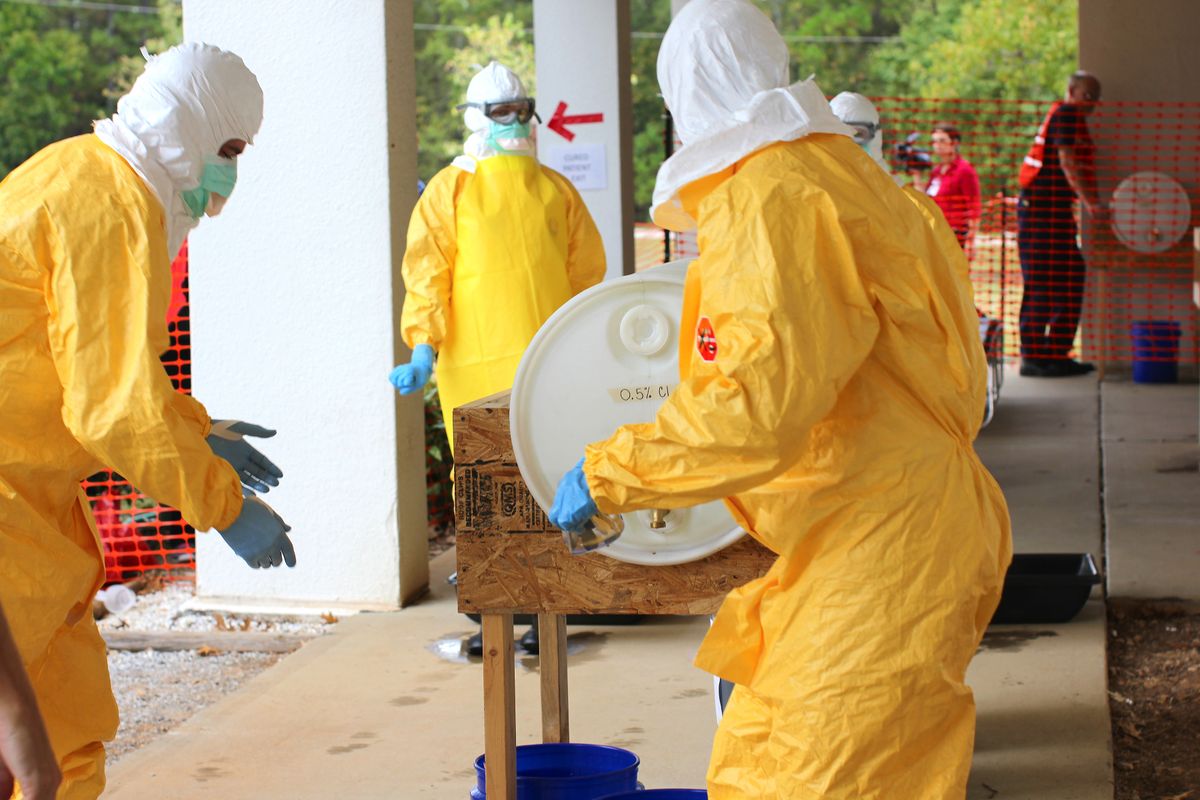
Learn what a basic hazmat training PowerPoint must cover for DOT compliance, including core topics, duration, and practical tips for drivers and fleets.
If you’re looking for a basic hazmat training PowerPoint, you need one that meets DOT requirements while being practical for drivers. This guide breaks down the essential slides, the training time required, and how to use the presentation effectively. Whether you’re a driver preparing for hazmat endorsement or a fleet manager building a training program, here’s what your PowerPoint must include.
What DOT Requires in Hazmat Training
The DOT mandates that any employee who handles, transports, or offers hazardous materials must receive training every three years. The training must cover five key areas: general awareness, function-specific, safety, security awareness, and (if applicable) in-depth security training. Your PowerPoint should address each of these, even if you’re creating a basic course.
For a basic hazmat training PowerPoint, focus on the first three areas: general awareness, function-specific, and safety. Security awareness can be a separate module, but it’s often included in a basic course. The training must be documented, and drivers must have a training certificate on file.
Core Slides Your PowerPoint Must Have
A basic hazmat training PowerPoint should include the following slides, in order:
- Title Slide: Course name, date, and instructor name.
- Why Hazmat Training Matters: Legal requirement, safety, and liability.
- What is a Hazardous Material?: Definition from 49 CFR, including classes (e.g., Class 1 explosives, Class 3 flammable liquids, Class 9 miscellaneous).
- The Hazardous Materials Table: How to find a material’s proper shipping name, hazard class, and packing group.
- Shipping Papers: What must be included (description, quantity, emergency response number).
- Marking and Labeling: Basic requirements for packages, including the hazmat placard system.
- Placarding: When a vehicle needs placards, and the placard classes.
- Packaging: Types of packaging (drums, boxes, cylinders) and how to check for damage.
- Loading and Unloading: Segregation rules, securement, and compatibility.
- Emergency Response: What to do in a spill or leak, including the Emergency Response Guidebook (ERG).
- Security Awareness: Recognizing threats and reporting suspicious activity.
- Quiz or Test: A short assessment to verify understanding.
- Certificate of Training: A template to document completion.
Each slide should be concise, with bullet points and visuals. Use photos of actual placards, labels, and packaging to make it real.
Training Duration and Format
A basic hazmat training course typically lasts 4 to 8 hours, depending on the depth and the audience. For drivers, a 4-hour session is common for initial training, with a 2-hour refresher every three years. If you’re creating a PowerPoint, plan for about 45 to 60 minutes of presentation time per hour of training, allowing for questions and discussion.
You can deliver the training in person or online. Online courses often use PowerPoint with voiceover or a learning management system. The DOT allows computer-based training as long as it covers the required topics and includes a test.
How to Use the PowerPoint Effectively
Don’t just read the slides. Use the PowerPoint as a visual aid while you explain the concepts. Here are practical tips:
- Use real examples: Show a shipping paper and point out the required fields.
- Show placards: Print or display actual placards and ask drivers to identify them.
- Walk through the ERG: Give each driver a copy and practice looking up a chemical.
- Include a scenario: Describe a spill and ask drivers what they would do.
- Keep slides simple: No more than 5 bullet points per slide, and use large fonts.
- Test knowledge: At the end, give a 10-question quiz. A passing score of 80% is typical.
Where to Find Free and Paid Templates
You don’t have to build a hazmat training PowerPoint from scratch. Several resources offer templates and ready-made courses:
- Free templates: Sites like SlideShare and some trucking associations offer basic hazmat training PowerPoints. Search for “hazmat training powerpoint” and check the date. Ensure it’s updated to current regulations.
- Paid courses: Online training providers like SafetySkills, Lion Technology, and J.J. Keller offer comprehensive hazmat training courses, often with PowerPoint slides and videos. Prices range from $50 to $150 per course per employee, with volume discounts.
- Custom templates: If you hire a consultant, they can create a PowerPoint tailored to your fleet. Expect to pay $500 to $2,000 for a custom training package.
When using a free template, verify that it covers all DOT required topics and is current. Regulations change, so check the date and cross-reference with the FMCSA and PHMSA websites.
FAQ
Q: How often do I need hazmat training? A: Every three years. You must complete recurrent training before the expiration date of your current certificate.
Q: Can I take hazmat training online? A: Yes, the DOT allows online training as long as it covers the required topics and includes a test. Many drivers take online courses for convenience.
Q: Do I need a hazmat endorsement to take this training? A: No. The training is separate from the CDL endorsement. However, to transport hazardous materials, you need both the training and the hazmat endorsement on your CDL.
Q: What is the cost of hazmat training? A: If you take an online course, expect to pay $50 to $150. If your employer provides training, it’s often free. In-person courses can cost $200 to $400.
The Bottom Line
A basic hazmat training PowerPoint is a practical tool to meet DOT requirements and keep drivers safe. Focus on the core topics: hazard classes, shipping papers, placards, packaging, and emergency response. Keep the slides simple, use real examples, and test your drivers. Whether you build your own or use a template, ensure it’s current and covers all required areas. With a solid training program, you’ll stay compliant and reduce risk on the road.