Apps Are Not Loading
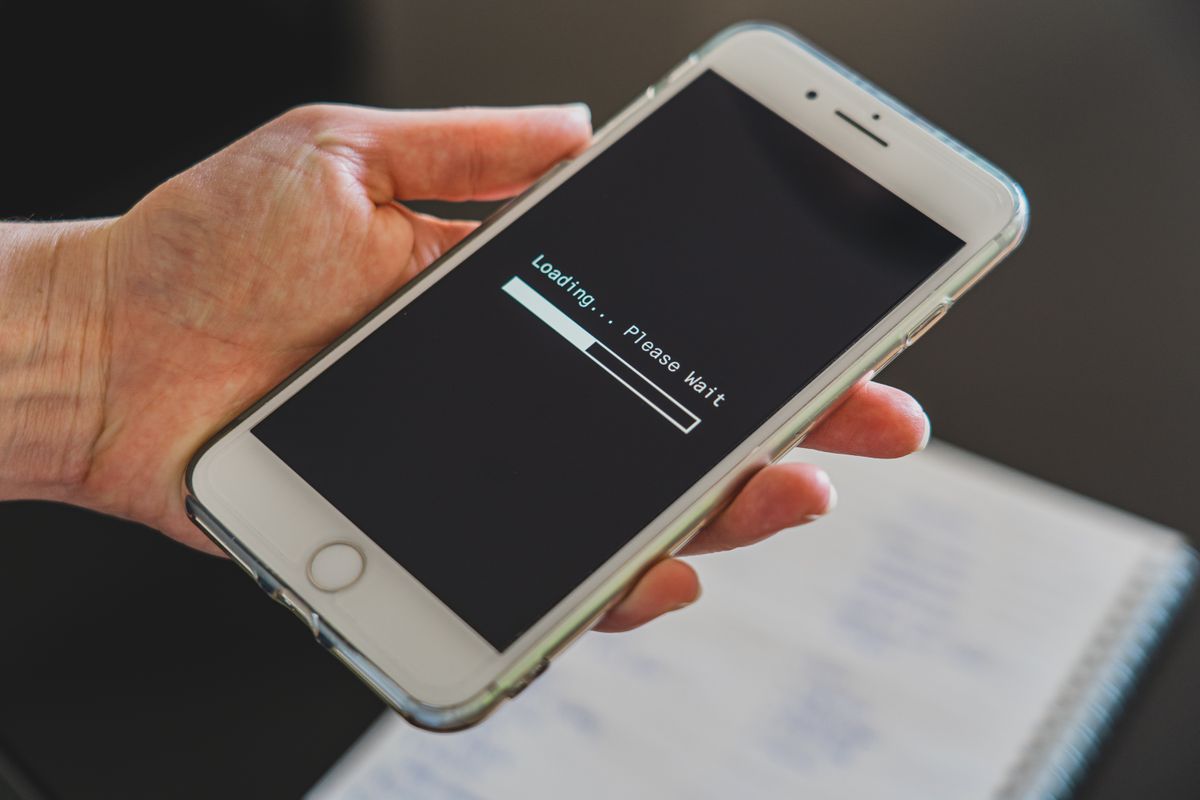
Load board apps crashing or freezing? Learn quick fixes and long-term solutions to get back to finding freight fast.
If your load board app is spinning, freezing, or flat out refusing to open, you are losing time and money. Most issues are fixable in under five minutes. This guide covers the common causes, step by step fixes, and how to avoid the problem going forward.
Why Load Board Apps Fail
Load board apps are data heavy. They pull live freight posts, map data, and notifications all at once. When your connection is weak, your phone storage is full, or the app is outdated, it can choke. The most common culprits are:
- Poor cellular or Wi Fi signal
- Outdated app version
- Corrupted cache or data
- Phone storage nearly full
- Server issues on the app’s end
- Background apps eating memory
Quick Fixes to Try Right Now
Work through these in order. Most take less than two minutes.
- Toggle airplane mode on and off. This forces your phone to reconnect to the strongest tower. Wait 10 seconds after turning it back on.
- Restart the app. Swipe it away from recent apps and reopen. This clears minor glitches.
- Restart your phone. A full reboot clears memory and background processes. Do this at least once a day.
- Check your signal. Look at the bars. If you are below two bars, move to a better spot or use a signal booster. A booster costs $200 to $600 and can pay for itself in one load.
- Update the app. Go to the App Store or Google Play and check for updates. Developers push fixes regularly.
- Clear the app cache. On Android, go to Settings > Apps > [App Name] > Storage > Clear Cache. On iPhone, you may need to offload the app: Settings > General > iPhone Storage > [App Name] > Offload App, then reinstall.
- Reinstall the app. If clearing cache does not work, delete and reinstall. Log back in with your credentials.
Long Term Solutions
If crashes happen weekly, address the root causes.
Improve Your Connection
A reliable internet connection is non negotiable. Options:
- Dedicated mobile hotspot: $50 to $150 for the device, plus $20 to $60 per month for data. Some plans are unlimited.
- Signal booster: $200 to $600, installed in your cab. Works with both cellular and Wi Fi.
- Dual SIM phone: Use two carriers. If one has no signal, the other might. Phones with dual SIM start around $200.
Manage Phone Storage
Apps need room to store data. Keep at least 10% of your phone storage free. Delete old photos, videos, and unused apps. Move files to cloud storage or an SD card if your phone supports it.
Keep Apps Updated
Set your phone to auto update apps overnight. This ensures you have the latest fixes without thinking about it. On Android: Google Play > Settings > Auto update apps. On iPhone: Settings > App Store > App Updates.
Use a Reliable Load Board
Not all load boards are equal. Some have better uptime and support. Compare options:
| Load Board | Price Range (Monthly) | Known Uptime | Support Quality |
|---|---|---|---|
| DAT Load Board | $35-$50 | 99.9% | 24/7 phone and chat |
| Truckstop | $30-$45 | 99.8% | 24/7 phone and chat |
| 123Loadboard | $25-$40 | 99.5% | Business hours only |
| Direct Freight | $20-$35 | 99.0% | Email and chat |
| Free boards (e.g., Sylectus, TruckersMP) | $0 | Varies | Limited |
Paid boards typically offer better reliability and support. If you rely on a free board, expect occasional issues.
When the Problem Is on Their End
Sometimes the app is fine, but the server is down. Check the app’s status page or social media. Most companies post outages. If it is their issue, wait it out or use an alternative board temporarily. Keep a backup board account ready.
FAQ
Q: Why does my load board app keep crashing on my iPhone? A: Crashes often come from outdated iOS or app version, low storage, or corrupted cache. Update both, clear storage, and reinstall the app if needed.
Q: Can I use a load board on a laptop instead? A: Yes. Most load boards have web versions. A laptop with a cellular hotspot can be more stable than a phone. It also gives you a bigger screen for comparing loads.
Q: How do I know if the problem is my phone or the app? A: Try another data heavy app like Google Maps. If that works, the issue is likely the load board app. If not, your connection or phone is the problem.
Q: What is the best load board app for reliability? A: DAT and Truckstop are the most established with the best uptime. Expect to pay $30 to $50 per month. Free boards are less reliable.
The Bottom Line
Load board app failures are frustrating but usually fixable. Start with the quick fixes: toggle airplane mode, restart, update, clear cache. For ongoing issues, invest in a better connection and keep your phone clean. If the app itself is unreliable, switch to a paid board with proven uptime. Do not let a glitchy app cost you a load.
Check your apps today. Update them, clear cache, and test your signal. Ten minutes of maintenance can save you hours of downtime later.